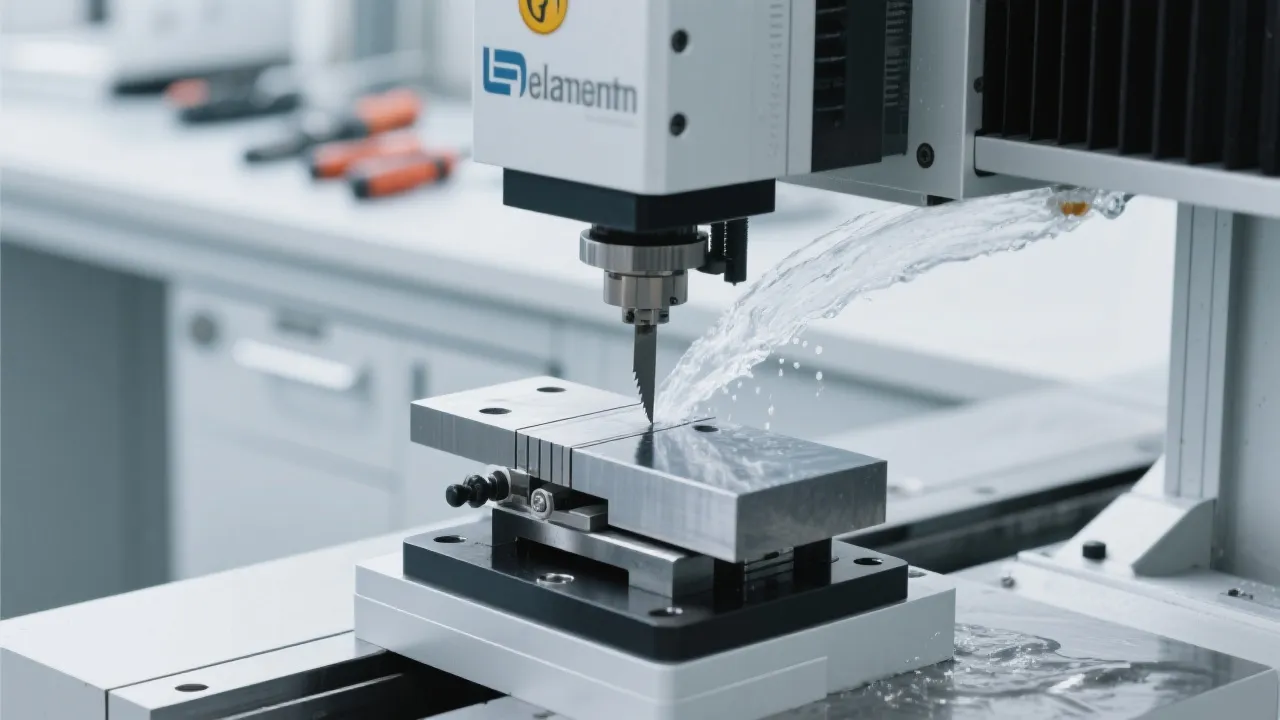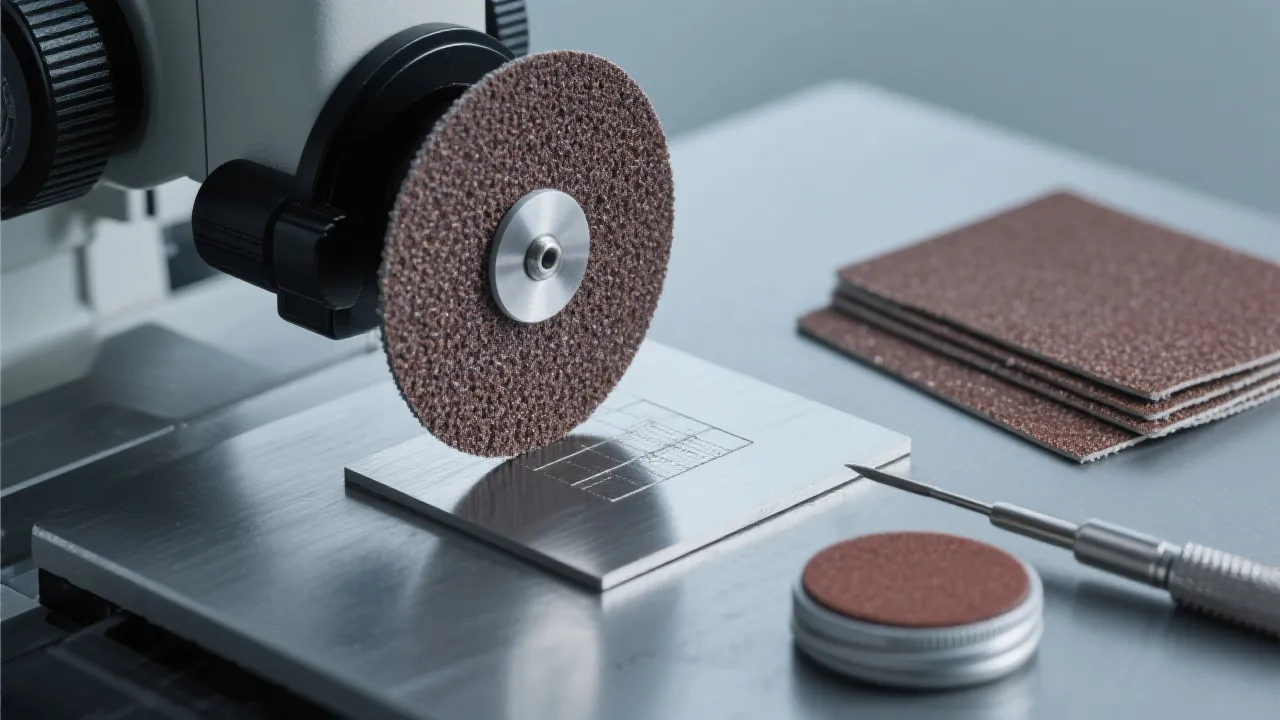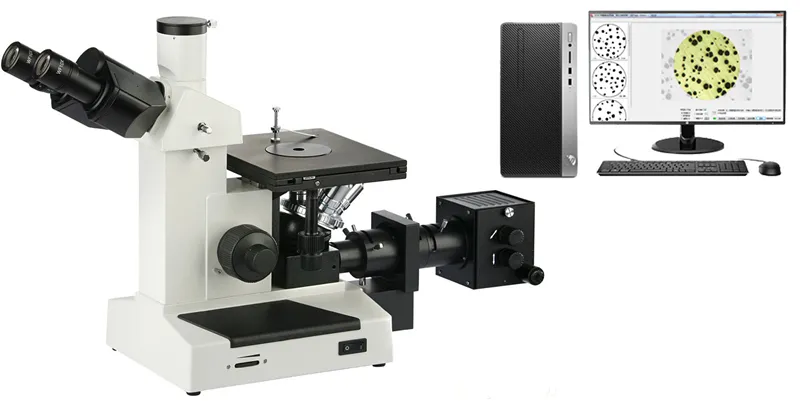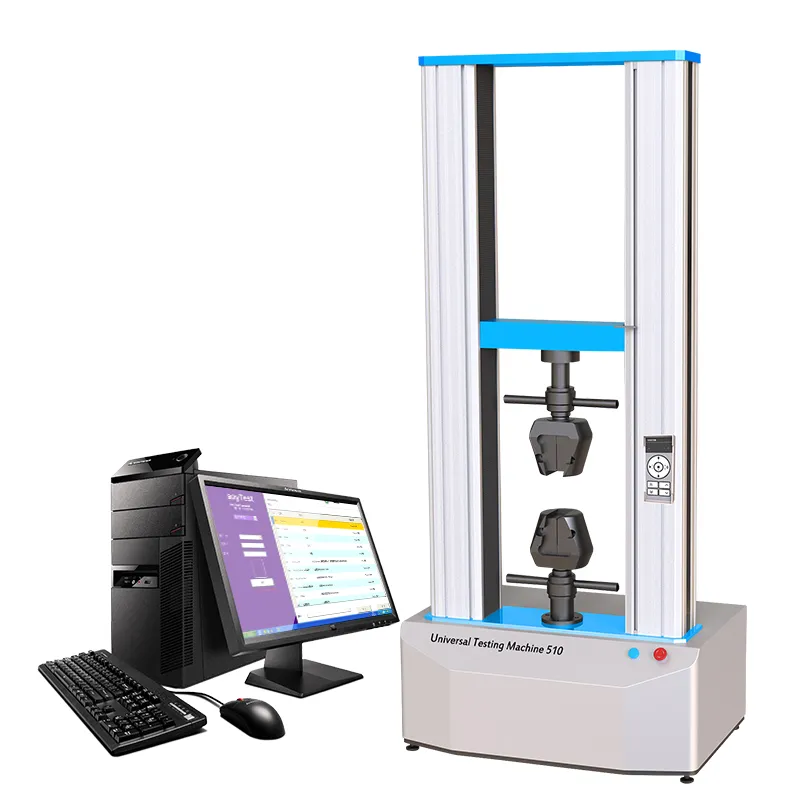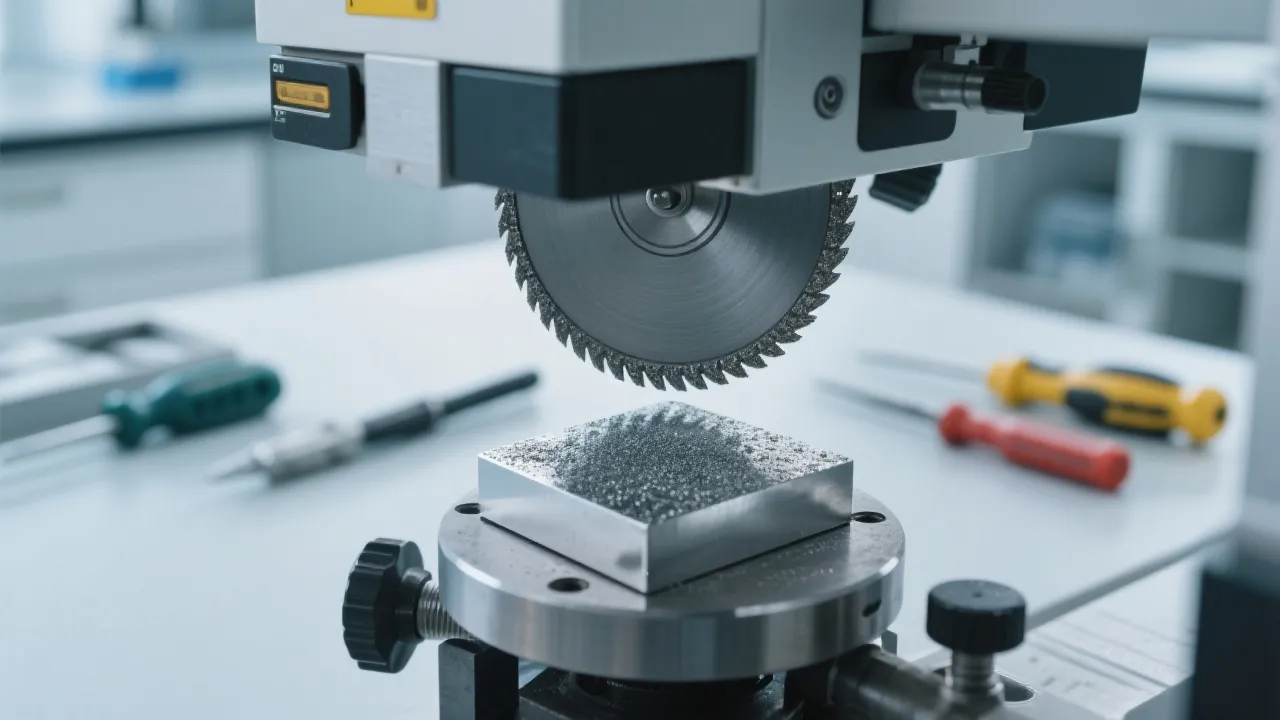
As a novice operator, stepping into the world of industrial cutting machines can be both exciting and intimidating. You might be eager to get started, but concerns about efficiency and safety can hold you back. This guide is designed to help you quickly master the safe startup steps of industrial cutting machines in just one hour, ensuring the efficient operation of overseas production lines.
Many new operators face common issues such as low efficiency and safety risks during operation. The complex control panels and various operating procedures can be overwhelming, leading to mistakes and potential accidents. Balancing "usability" and "safety" is crucial for your smooth operation.
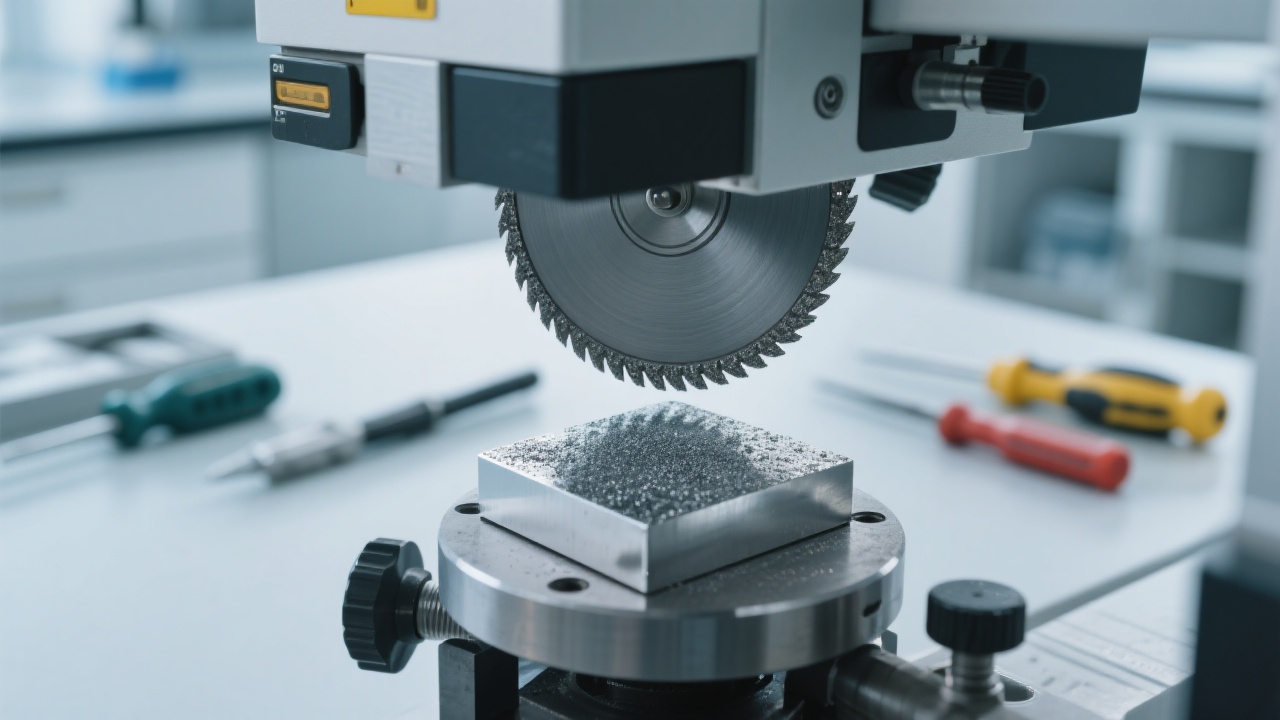
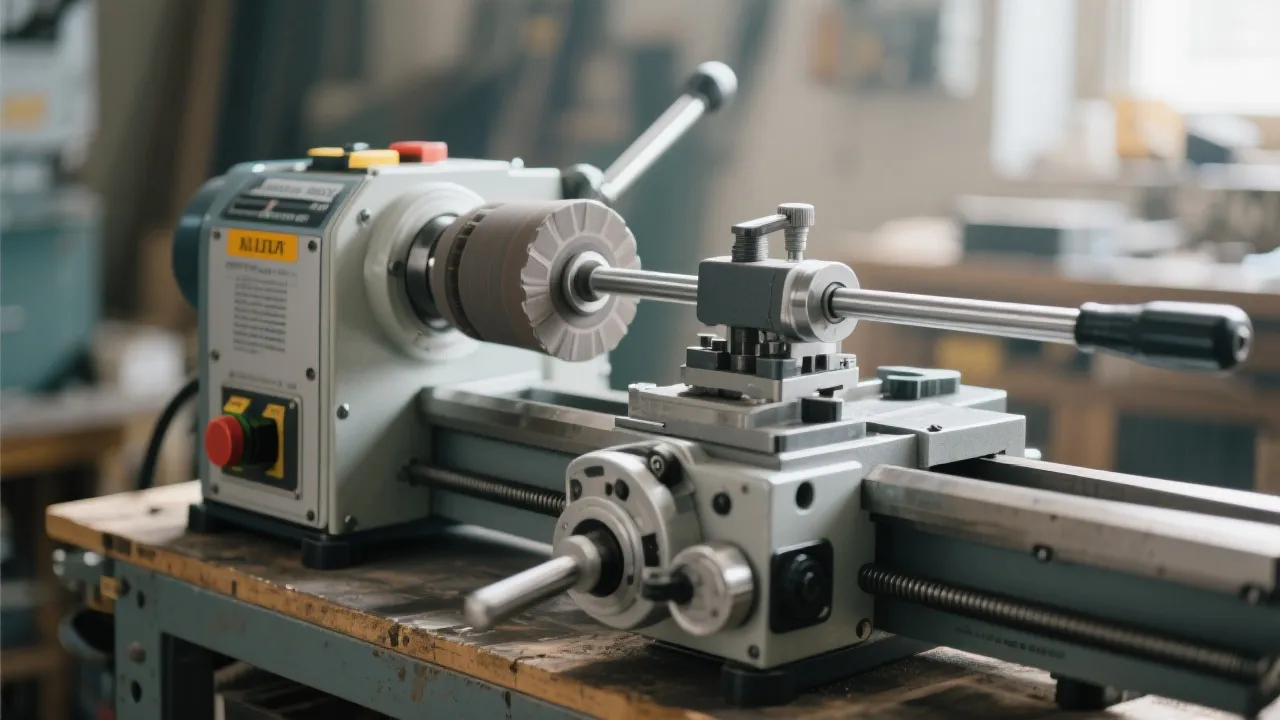
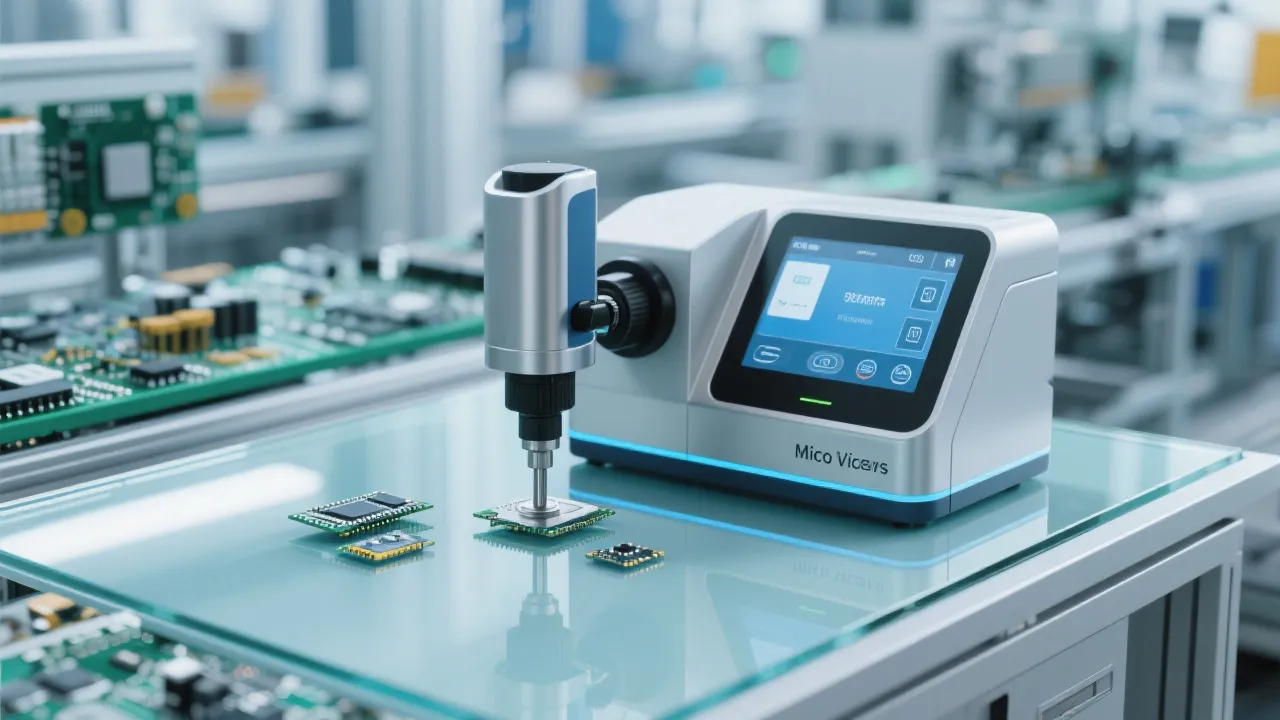
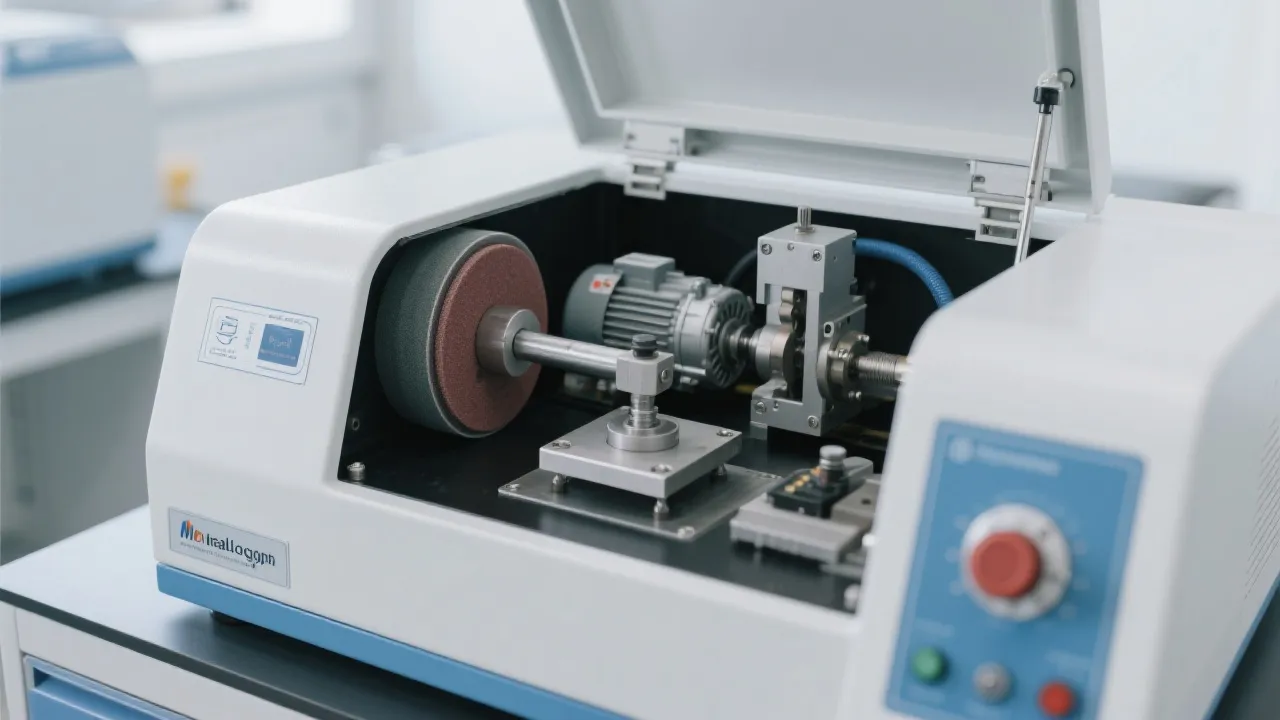
The first step in operating an industrial cutting machine is to understand its user interface. Our cutting machines are designed with an intuitive and convenient human-machine interaction interface. The layout is clear, with each button and indicator light having a specific function. For example, the power button is prominently located for easy access, and the status indicators clearly show whether the machine is ready for operation.
Now, let's go through the safe startup process step by step:
Common Mistake Alert: Avoid skipping the system check or test run. These steps are crucial for detecting potential issues and ensuring safe operation.
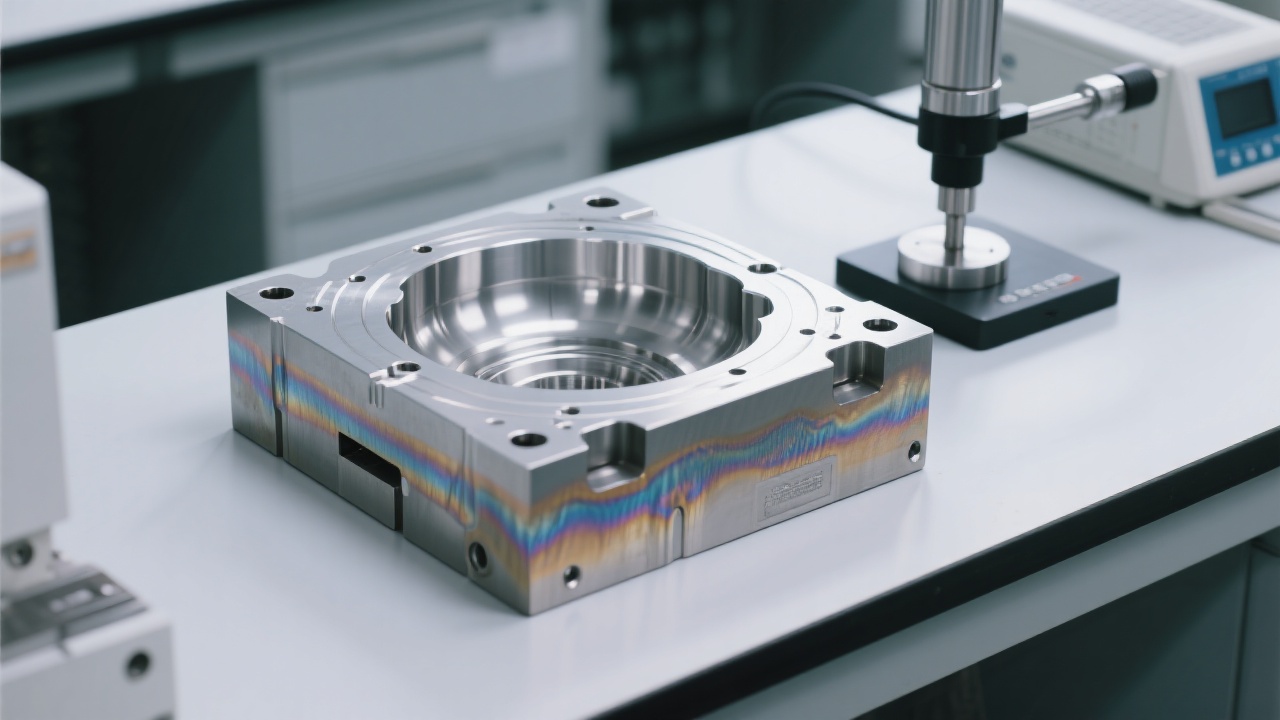
During operation, the machine may display alarm codes. Understanding these codes and their corresponding solutions can help you quickly resolve issues and reduce downtime. Here are some common alarm codes and their meanings:
Regular daily inspections are essential for the stable and long-term operation of the cutting machine. Here is a simple daily inspection checklist:
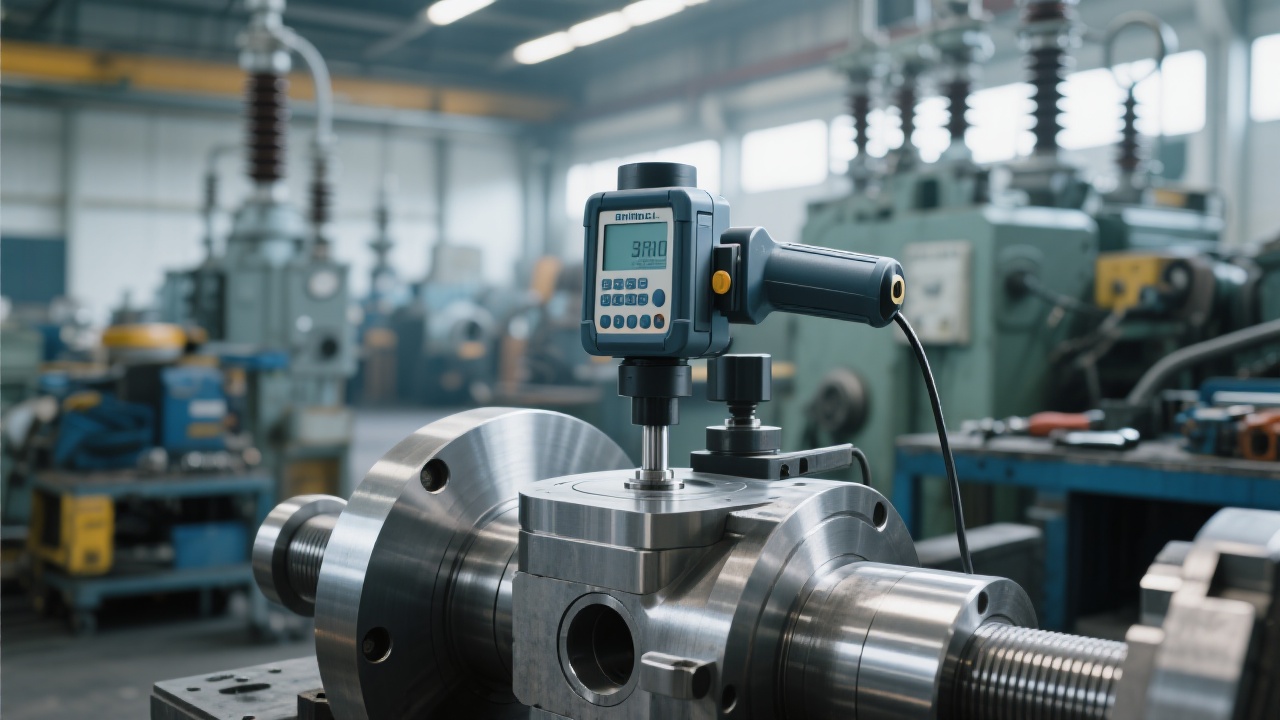
We understand that mastering the operation of an industrial cutting machine takes time and practice. To help you further, we offer a comprehensive training manual and video demonstrations that cover all aspects of machine operation, maintenance, and troubleshooting.
 309
|
309
|
 micro Vickers hardness tester
intelligent touch hardness testing
high-precision hardness measurement
mechanical processing hardness
metallurgical research hardness testing
108
|
Metallographic pre - grinder maintenance
Equipment lifespan extension
Preventive maintenance
Industrial laboratory equipment maintenance
Metallographic equipment maintenance
439
|
metallographic prepolishing machine maintenance
preventive maintenance for lab equipment
grinding disc cleaning frequency
motor temperature control in lab machines
industrial lab equipment reliability
165
|
Metal sample cutting precision improvement
Sample clamping stability
Cutting cooling system optimization
Material analysis sample preparation process
SQ - 100 sample preparation cutting machine
164
|
metal sample cutting precision improvement
metallographic sample preparation consistency
sample cutting control points
ASTM standard sample preparation process
ISO material analysis and preparation
micro Vickers hardness tester
intelligent touch hardness testing
high-precision hardness measurement
mechanical processing hardness
metallurgical research hardness testing
108
|
Metallographic pre - grinder maintenance
Equipment lifespan extension
Preventive maintenance
Industrial laboratory equipment maintenance
Metallographic equipment maintenance
439
|
metallographic prepolishing machine maintenance
preventive maintenance for lab equipment
grinding disc cleaning frequency
motor temperature control in lab machines
industrial lab equipment reliability
165
|
Metal sample cutting precision improvement
Sample clamping stability
Cutting cooling system optimization
Material analysis sample preparation process
SQ - 100 sample preparation cutting machine
164
|
metal sample cutting precision improvement
metallographic sample preparation consistency
sample cutting control points
ASTM standard sample preparation process
ISO material analysis and preparation