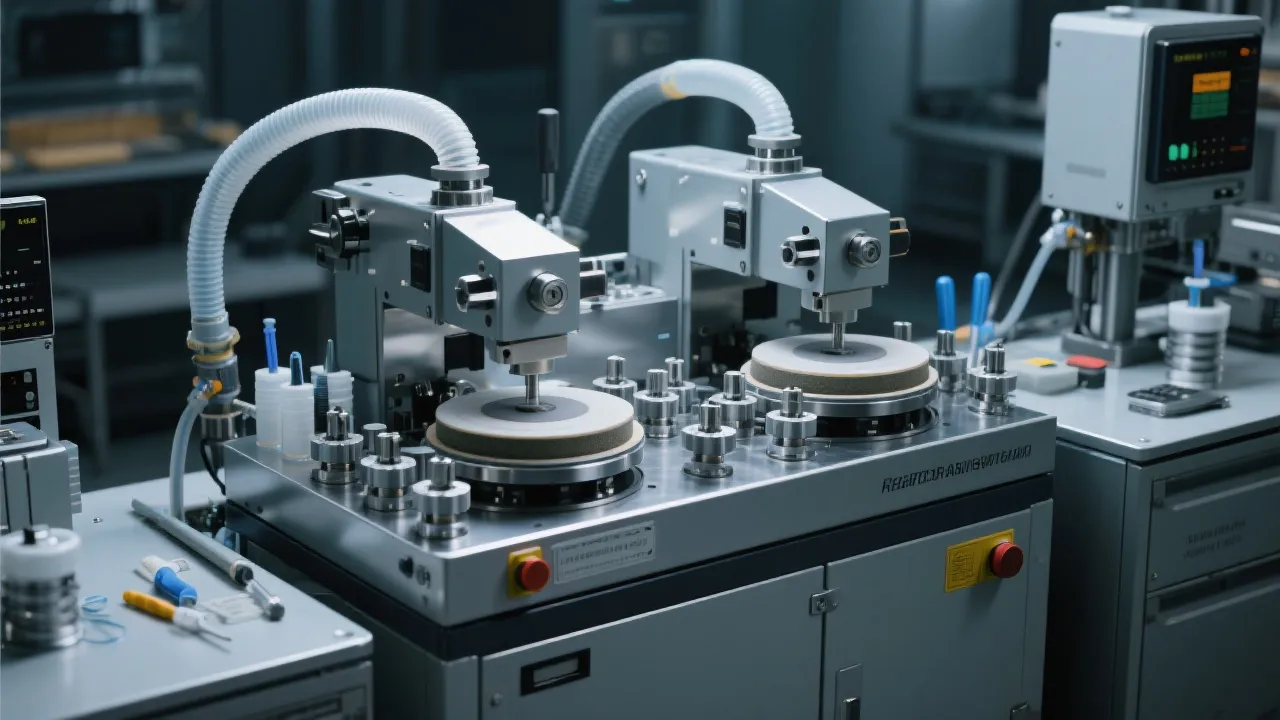
Are you a new operator eager to get the hang of using an industrial cutter quickly? Look no further! This comprehensive guide is tailored just for you, providing practical steps and key information to help you operate the high - performance industrial cutter safely and efficiently. Through this guide, you'll be able to quickly reduce the learning curve and enhance your operational proficiency.
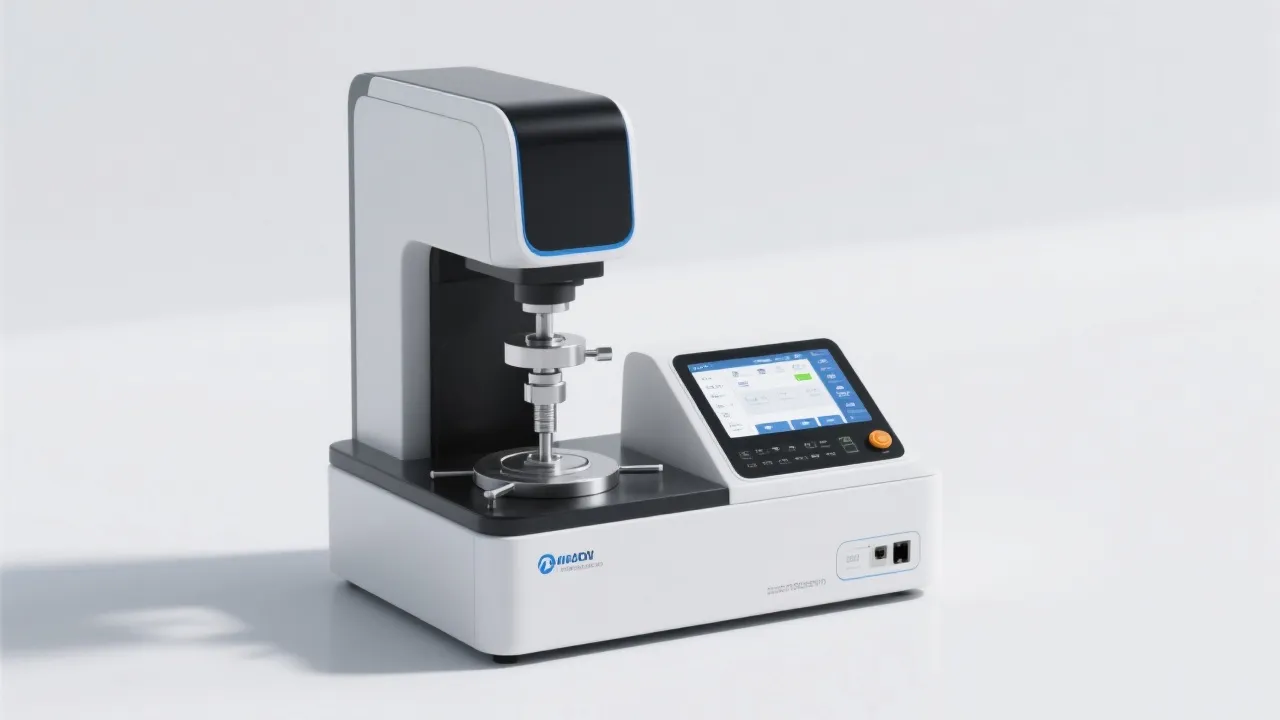
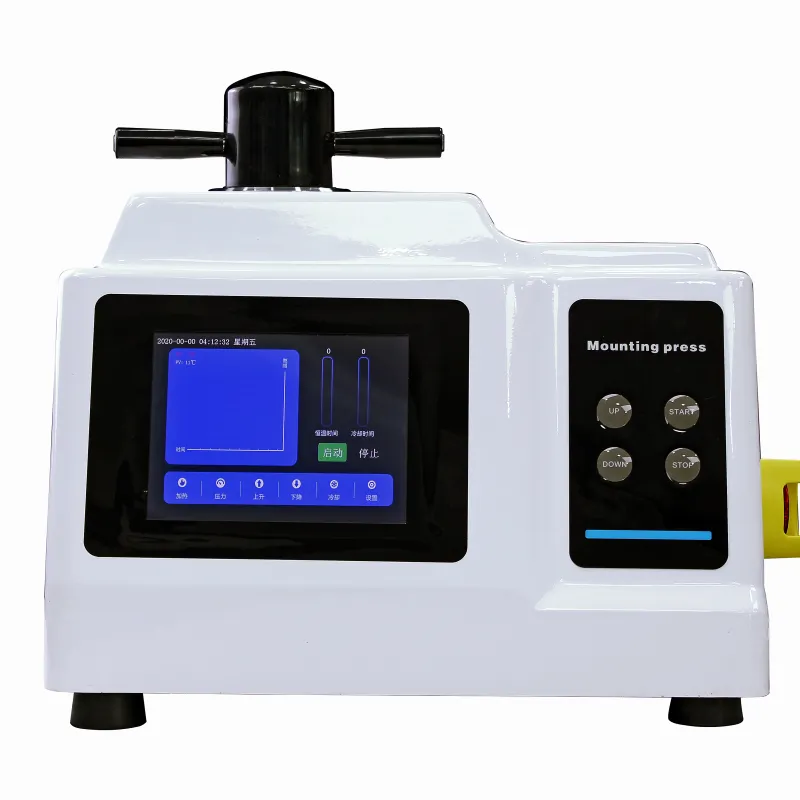
The industrial cutter from Jincheng features a user - friendly operation interface, designed with the needs of new operators in mind. The intuitively laid - out controls ensure that you can easily find and use various functions, minimizing the chances of confusion and errors.
Let's take a look at some of the key functions on the interface:
To ensure the safety of both you and the machine, we've developed a three - step safety startup process. Following these steps strictly can prevent potential accidents and keep the machine in good working condition.
Before starting the machine, make a thorough visual inspection. Check for any visible damage to the cutter blades, belts, and cables. Ensure that all safety guards are in place and properly secured. This step usually takes about 2 - 3 minutes, but it's a crucial part of the startup process.
Once the pre - startup inspection is completed, press the power on button. The machine will go through an initialization process, which may take around 1 - 2 minutes. During this time, the system will self - check various components, such as the motor, sensors, and control circuits.
After the machine is initialized, you need to set the appropriate parameters according to the material you're going to cut. This includes setting the cutting speed, depth, and angle. The whole process of parameter setting may take about 3 - 5 minutes, depending on the complexity of the task.
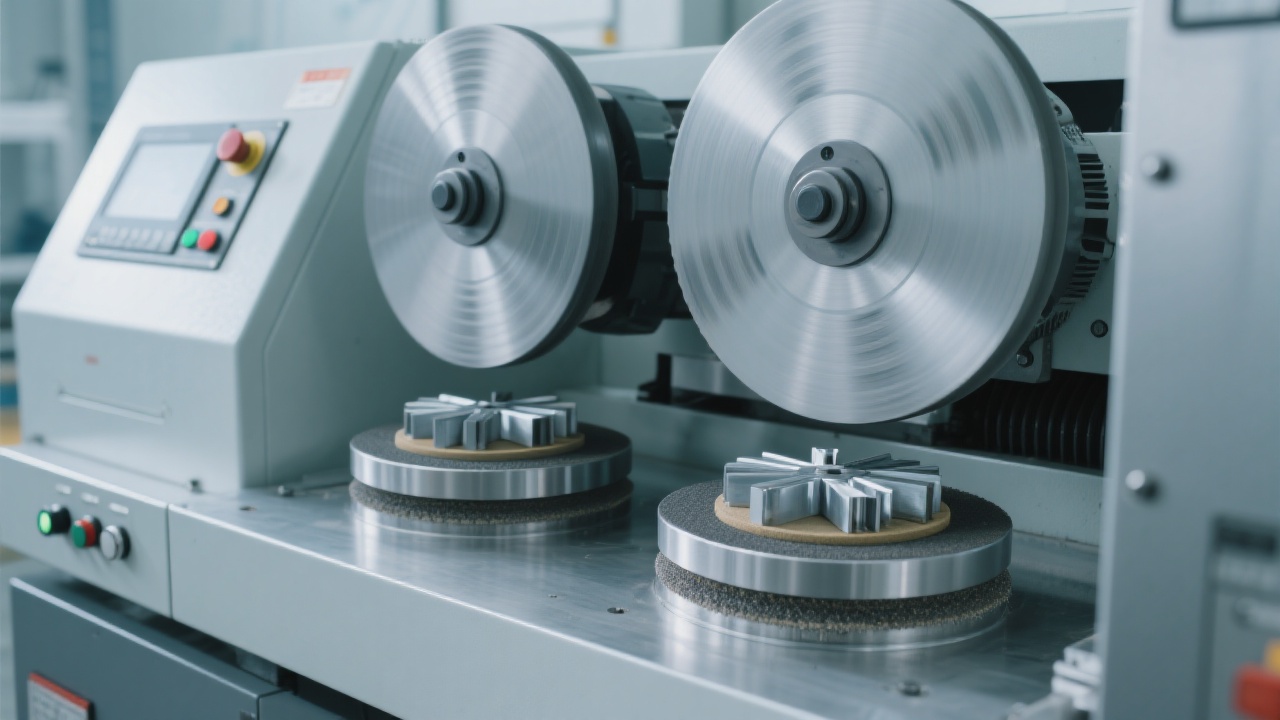
Even with proper operation, the machine may encounter some issues, and alarm codes will be displayed on the interface. Here are some common alarm codes and their corresponding solutions:
| Alarm Code | Meaning | Solution |
|---|---|---|
| E01 | Blade overheating | Stop the machine immediately and let the blade cool down. Check the cooling system for any blockages. |
| E02 | Motor overload | Reduce the cutting load. Check if there are any jams in the cutting path. |
| E03 | Sensor malfunction | Check the sensor connections. If the problem persists, contact the maintenance team. |
Regular daily inspections are essential for keeping the machine running smoothly. Here is a simple daily inspection checklist:
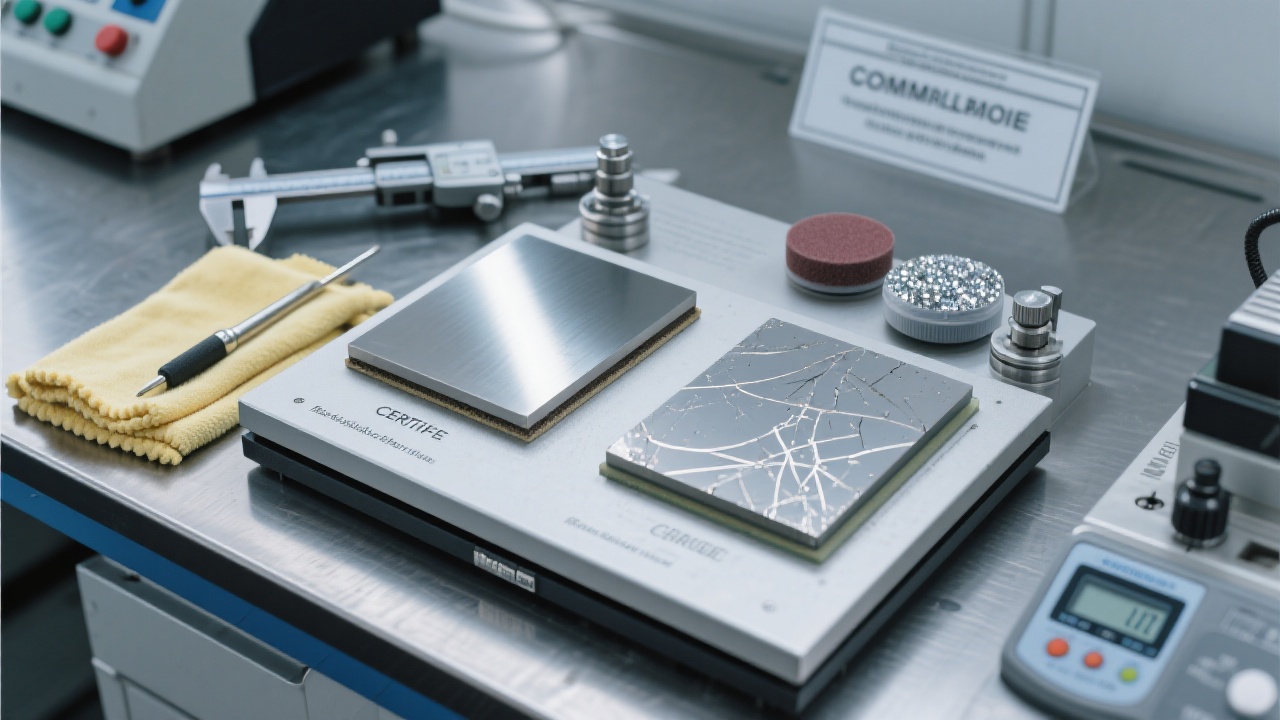
As a new operator, you may be prone to some common mistakes. Here are some pitfalls to watch out for:
By following this guide, you'll be well on your way to becoming a proficient industrial cutter operator. However, if you want to learn more detailed information and watch some practical demonstration videos, click the button below!
Get Complete Training Materials and Watch Demo Videos 314
|
314
|
 metal sample grinder polisher
metallographic analysis improvement
intelligent grinding equipment
stepless speed control
ASTM ISO compliant polishing machine
421
|
Industrial-grade indenter accessories installation
Equipment commissioning tutorial
Indenter installation precautions
Industrial equipment maintenance
Precision CNC machining accessories
99
|
metal microstructure inspection
ASTM standards
ISO standards
metallographic microscope
quality control process
170
|
metallographic image analysis
heat treatment quality control
microstructure defect identification
ASTM E3-11 standard
metallography software application
185
|
metal microstructure analysis
ASTM E3 standard
ISO 14104
microscopy best practices
laboratory intercomparison
metal sample grinder polisher
metallographic analysis improvement
intelligent grinding equipment
stepless speed control
ASTM ISO compliant polishing machine
421
|
Industrial-grade indenter accessories installation
Equipment commissioning tutorial
Indenter installation precautions
Industrial equipment maintenance
Precision CNC machining accessories
99
|
metal microstructure inspection
ASTM standards
ISO standards
metallographic microscope
quality control process
170
|
metallographic image analysis
heat treatment quality control
microstructure defect identification
ASTM E3-11 standard
metallography software application
185
|
metal microstructure analysis
ASTM E3 standard
ISO 14104
microscopy best practices
laboratory intercomparison