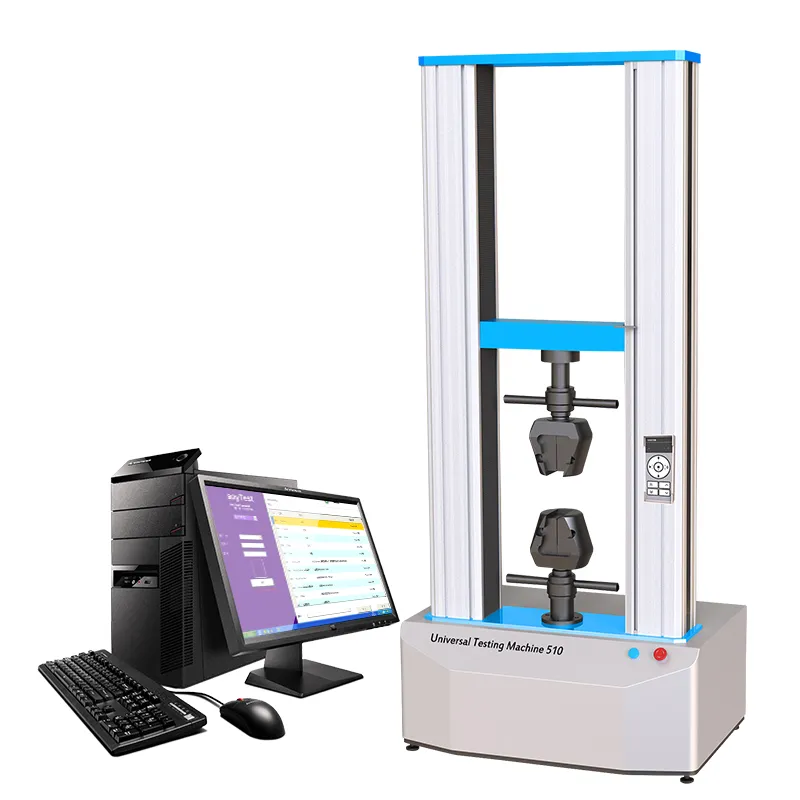
Are you struggling with new employees taking too long to get up to speed on industrial cutting machines? Do you face frequent mis - operations that hamper production line efficiency? You're not alone. But don't worry; this guide is here to turn things around. In this article, we'll show you a 3 - step standardized operation guide that can help new operators quickly master the safe startup process of industrial cutting machines, reducing the risk of mis - operations and boosting production line efficiency.
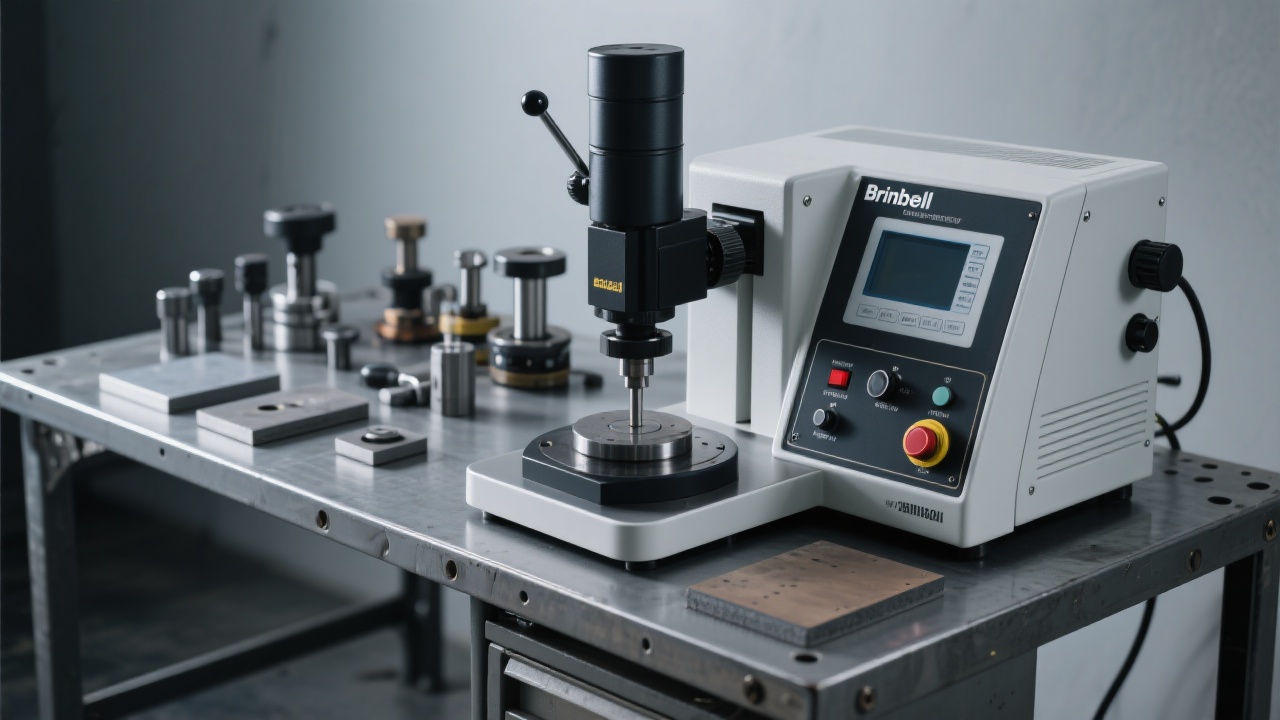
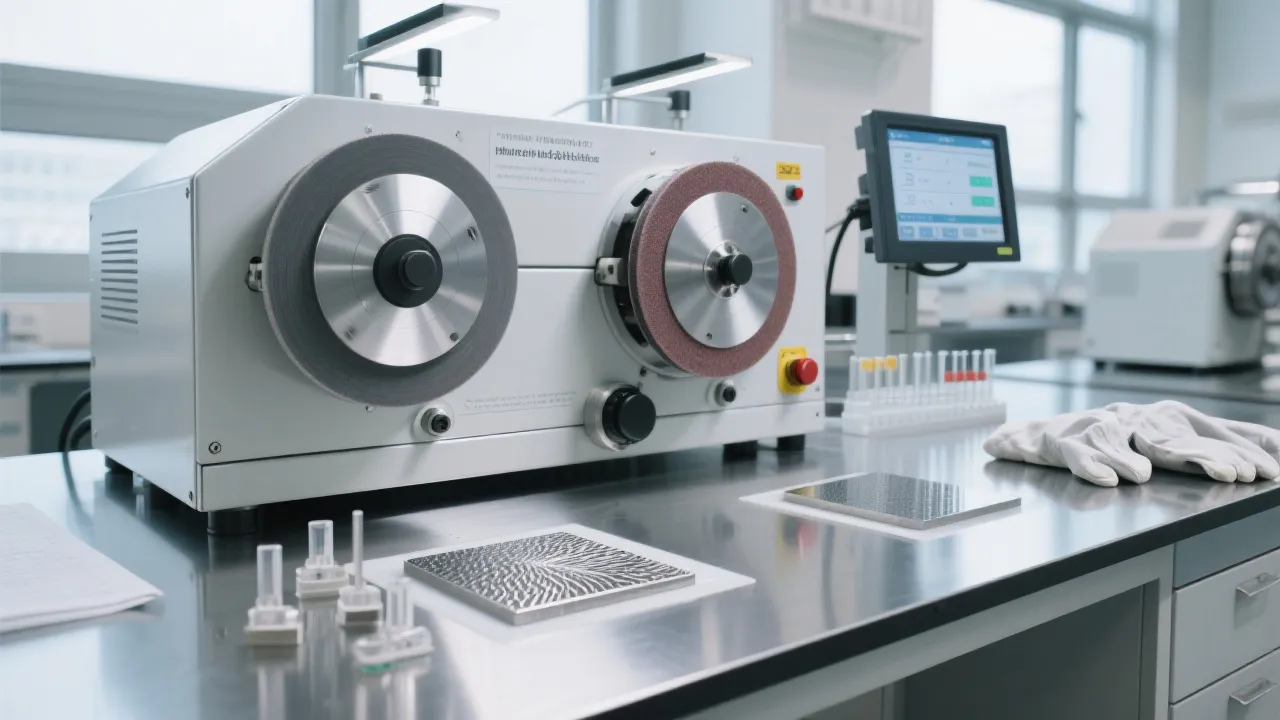
As a new operator, the first hurdle you'll face is familiarizing yourself with the human - machine interaction interface. This interface is the control center of the industrial cutting machine, and understanding its functions is crucial for safe and efficient operation. The interface usually includes buttons, displays, and control panels.
Buttons: They are used to start, stop, pause, and adjust various functions of the cutting machine. Each button has a specific function, so make sure to read the user manual carefully to understand their uses.
Displays: The displays show important information such as machine status, cutting parameters, and error messages. Keep an eye on these displays to ensure the machine is operating normally.
Control Panels: These allow you to set cutting parameters, such as speed, depth, and angle. Correctly setting these parameters is essential for achieving high - precision cutting results.

The safe startup process is a series of steps that ensure the cutting machine is in good condition before starting operation. This includes a pre - heat check, which is essential for the proper functioning of the machine.
Pre - heat Check: Before starting the machine, allow it to pre - heat for a certain period, usually 10 - 15 minutes. This helps to stabilize the machine's temperature and improves cutting performance. During the pre - heat, check the cooling system, lubrication system, and power supply to ensure they are working properly.
Startup Sequence: Follow the correct startup sequence as specified in the user manual. Generally, this involves turning on the power supply, waiting for the system to initialize, and then starting the cutting operation. Make sure to follow the sequence strictly to avoid malfunctions.
Common Mistake Warning: Don't skip the cooling system self - check. Failing to do so can lead to overheating and damage to the machine.
During the operation of the cutting machine, you may encounter various alarm codes. Understanding these codes and knowing how to respond is crucial for minimizing downtime and preventing further damage to the machine.
Code Interpretation: Each alarm code corresponds to a specific problem, such as overheating, low lubricant level, or sensor failure. Refer to the user manual to find out the meaning of each code.
Response Strategies: Once you identify the problem based on the alarm code, take appropriate action. For example, if the alarm indicates low lubricant level, add lubricant to the machine. If it's a sensor failure, you may need to replace the sensor.
To reinforce the concept of standardized management, we provide a downloadable Daily Inspection Checklist template. This checklist includes all the necessary items to check before, during, and after the operation of the cutting machine. By using this checklist regularly, you can ensure the machine is always in good condition and reduce the risk of breakdowns.
Let's look at a real - world example. A Southeast Asian customer implemented this 3 - step standardized operation guide in their factory. Before the implementation, it took an average of 5 hours to train a new operator. After adopting our guide, the training time was shortened to just 2 hours, a reduction of 60%! This not only saved time and cost but also allowed new employees to start working on the production line more quickly.
The industrial cutting machine is designed with a focus on both usability and safety. By following this 3 - step standardized operation guide, new operators can quickly master the safe startup process, even without prior experience. It helps to minimize mis - operations, improve production line efficiency, and facilitate the efficient implementation of intelligent manufacturing in your enterprise.
Ready to revolutionize your training process and boost your production line efficiency? Click here to learn more about our industrial cutting machine training solutions.
 357
|
357
|
 manual metallographic cutting machine
metallographic sample preparation
scientific research equipment
metallography consumables
sample cutting technology
314
|
metal sample grinder polisher
metallographic analysis improvement
intelligent grinding equipment
stepless speed control
ASTM ISO compliant polishing machine
377
|
metal sample cutting precision
clamping stability in metallography
cooling efficiency in metal cutting
ASTM E3-13 standard
metallographic sample preparation
463
|
Brinell hardness tester daily maintenance
high - precision hardness tester maintenance
automatic loading hardness tester calibration
hardness tester fault prevention
equipment operation and maintenance guide
413
|
Brinell hardness tester daily maintenance
hardness testing equipment maintenance
sensor cleaning and lubrication
turret mechanism maintenance
equipment operation and maintenance standard process
manual metallographic cutting machine
metallographic sample preparation
scientific research equipment
metallography consumables
sample cutting technology
314
|
metal sample grinder polisher
metallographic analysis improvement
intelligent grinding equipment
stepless speed control
ASTM ISO compliant polishing machine
377
|
metal sample cutting precision
clamping stability in metallography
cooling efficiency in metal cutting
ASTM E3-13 standard
metallographic sample preparation
463
|
Brinell hardness tester daily maintenance
high - precision hardness tester maintenance
automatic loading hardness tester calibration
hardness tester fault prevention
equipment operation and maintenance guide
413
|
Brinell hardness tester daily maintenance
hardness testing equipment maintenance
sensor cleaning and lubrication
turret mechanism maintenance
equipment operation and maintenance standard process








Hardness-TesterHVS-1000A-1.jpg?x-oss-process=image/resize,m_fill,h_800,w_800/format,webp)